OPS Network Agency – Quick Setup Guide – STEP 1
Setting up your Agency Network Profile
1. Congratulations, you have created your user login and activated your agency network. Your agency is now part of the OPS Network and you are now logged in to your agency OPS Network.
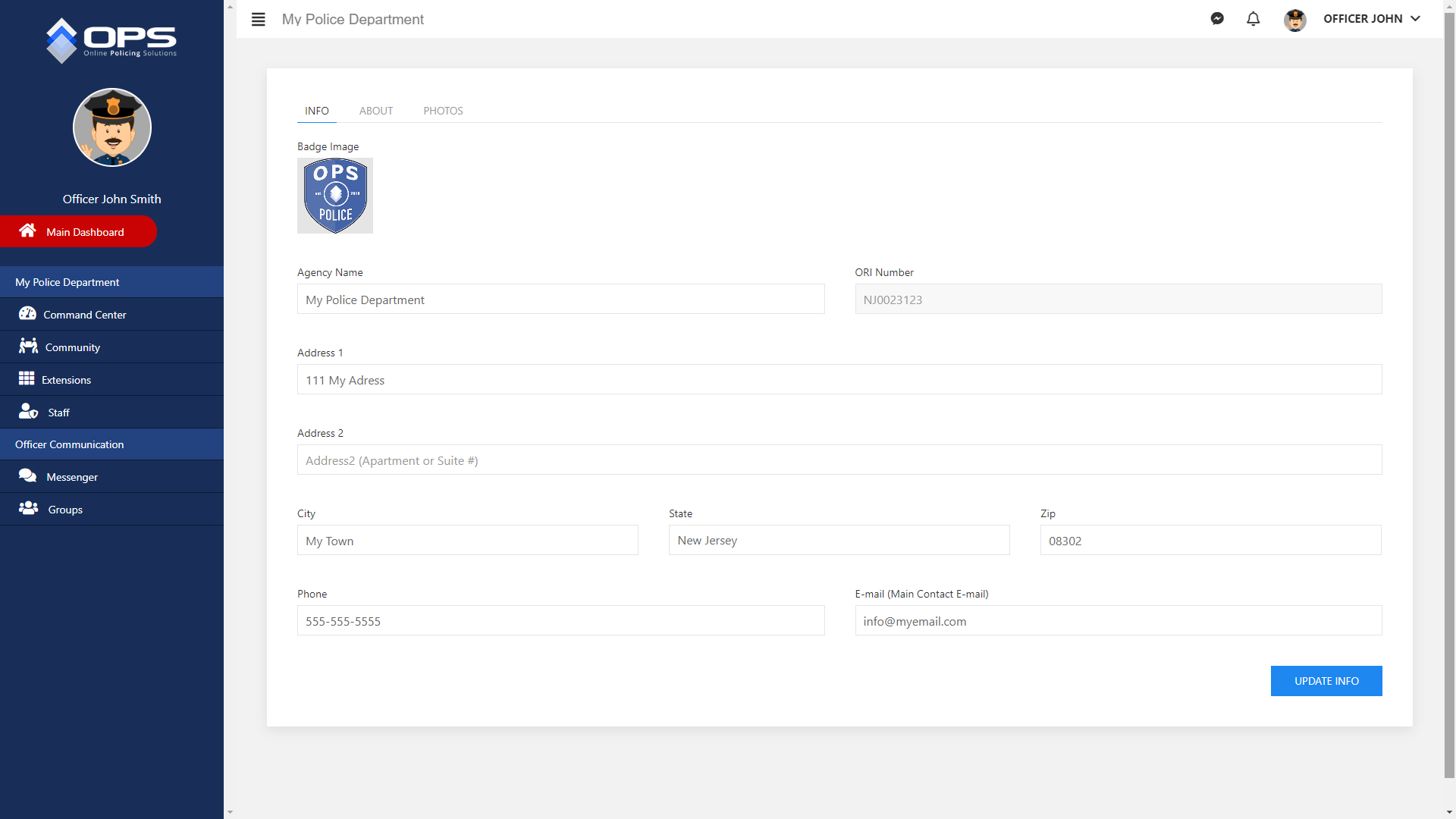
2. Now that you are logged in, find the “Manage Network Profile” link located under your agency name at the top of the Command Center screen. Once on the “Manage Network Profile” screen, add your basic agency information under the Info tab. This information will be viewed by other officers and agency members when they search the network and find your agency. (Click below images to view) ↳