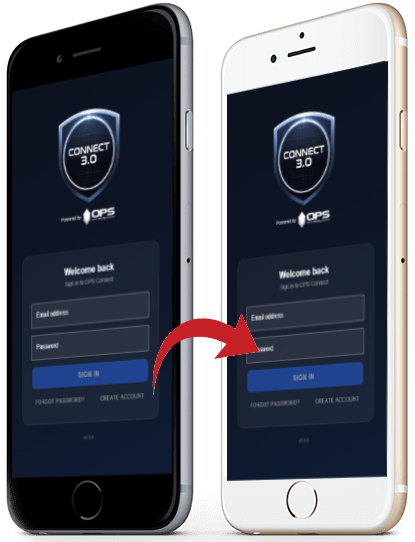
Real-Time Alerts
Stay informed with instant updates from OPS Command Center™, OPS Community™, OPS Messenger™, OPS Groups™, IMS|hub™, OPS LENS™ and more.
OPS CONNECT™ 3.0
Join thousands of law enforcement professionals on the nation’s #1 secure collaboration platform — seamless connection to the OPS Network™ from anywhere.
Now available for iOS and Android · opsconnectapp.com
App Features
Stay informed with instant updates from OPS Command Center™, OPS Community™, OPS Messenger™, OPS Groups™, IMS|hub™, OPS LENS™ and more.
Navigate the app effortlessly with an intuitive, purpose-built design for officers in the field.
Restricted to United States government agencies only. Top-tier security with no data stored on your device unless you choose to download it.
Get instant push notifications from OPS COMMUNITY™ — including TIPS, NPS-AID™, Commends, I.A. and more.
Get the App
Complete the download from your mobile device for the best experience.
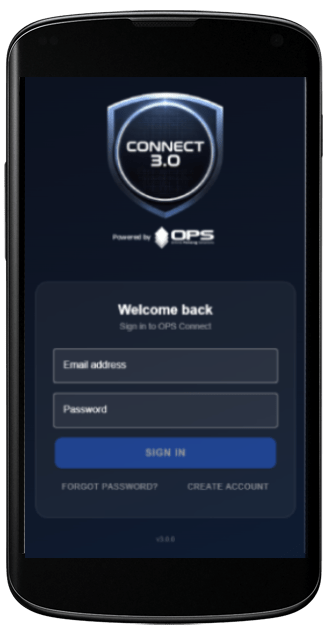
Apple
Experience the future of collaborative policing with OPS CONNECT™. Stay informed, stay safe, stay connected.
Download on the App StoreBest completed from an iPhone or iPad.
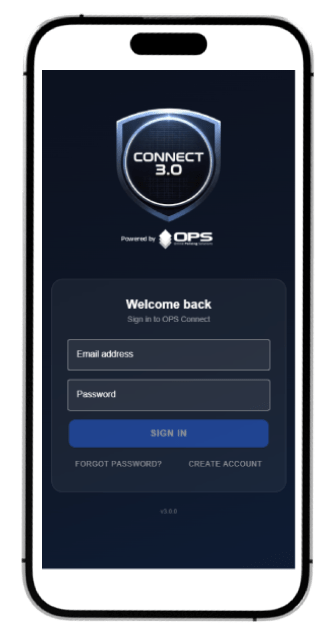
Experience the future of collaborative policing with OPS CONNECT™. Stay informed, stay safe, stay connected.
Get it on Google PlayBest completed from an Android device.
Compatibility — iOS
Compatibility — Android
OPS Connect lets officers request assistance from anywhere, broadcast important notifications, collaborate across jurisdictional borders, and manage large-scale investigations from the field.
Support
Answers to common questions about the OPS CONNECT app.
All app support or tech-related questions should be directed to support@opspolice.com.
Download OPS Connect for iOS and Android using the App Store and Google Play links on this page. For the best experience, complete the download from your mobile device.
Yes. There is no charge to use the app for authorized law enforcement users.
No. Unless a user purposely downloads something from the application to their device, no data is stored on the member’s device.
Only authorized and active-duty law enforcement personnel can access and use the OPS CONNECT application.
No. Each user accesses the OPS Connect app with their primary OPS login credentials.
Schedule a comprehensive tour with your OPS Regional Representative — no obligation to become a network partner.
Agency Activation / Schedule a Tour